
samsung phone repair

Your Guide to Samsung Repairs
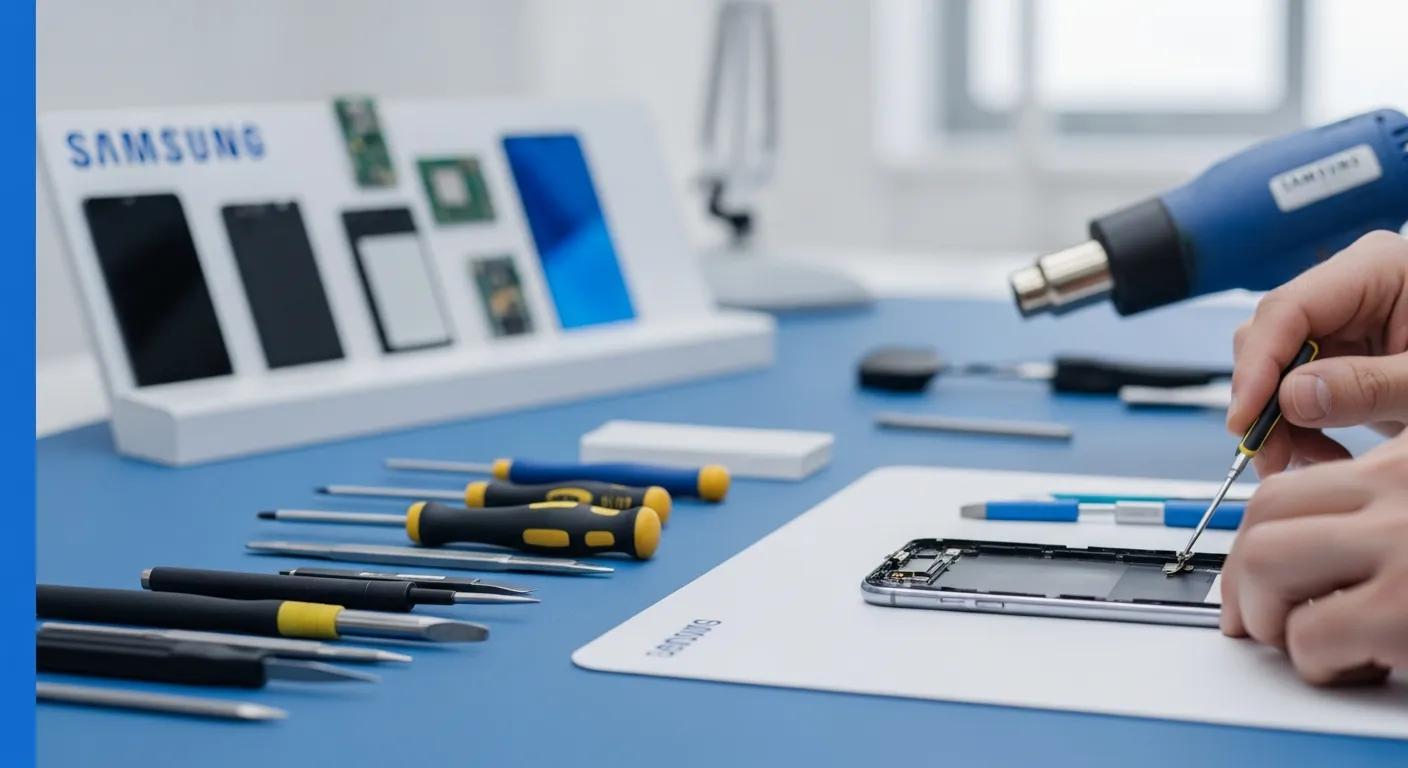
Samsung phones are renowned for their advanced technology and user-friendly features, but like any electronic device, they can encounter issues that require repair. This comprehensive guide will explore the various Samsung phone repair services available, including screen and battery replacements, common troubleshooting techniques, and the costs associated with these repairs. Many users face challenges when their devices malfunction, leading to frustration and the need for reliable solutions. This article aims to provide valuable insights into how to address these issues effectively, ensuring your Samsung phone remains in optimal condition. We will cover common repair services, troubleshooting steps, cost analysis, and tips for finding trustworthy repair services near you.
What Are the Common Samsung Phone Repair Services Available?
Samsung phone repair services encompass a range of issues that users may encounter, including screen damage, battery failures, and charging port problems. Understanding these services is crucial for maintaining the longevity and functionality of your device. Professional repair services ensure that your phone is handled by experts who can diagnose and fix problems efficiently, often using high-quality parts that meet manufacturer standards.
How Does Samsung Screen Replacement Work?
Screen replacement for Samsung phones involves several steps to ensure a successful repair. First, the technician will power off the device and carefully remove the damaged screen using specialized tools. This process often includes heating the adhesive that holds the screen in place, making it easier to detach. Once the old screen is removed, the technician will clean the surface and apply a new screen, ensuring that it is properly aligned and securely attached. The final step involves testing the new screen to confirm that it functions correctly, which typically takes about 1-3 hours.
What Are the Options for Samsung Battery Replacement?
When it comes to battery replacement, Samsung offers various options for users. One can choose between professional replacement services or DIY methods. Professional services ensure that the battery is replaced with an OEM (Original Equipment Manufacturer) part, which is crucial for maintaining device performance and warranty coverage. DIY battery replacement kits are also available, but they require careful handling and the right tools to avoid damaging the device. Cost considerations play a significant role in this decision, as professional services may range from $50 to $100, while DIY kits can be less expensive but may void warranties.
How to Troubleshoot Common Samsung Phone Issues?
Troubleshooting common issues with Samsung phones can often resolve problems without the need for professional repair. Users can take several steps to identify and fix issues, such as checking for software updates, resetting the device, or inspecting hardware components.
What Steps Can You Take When Your Samsung Phone Won't Turn On?
If your Samsung phone won't turn on, there are several troubleshooting steps you can take. First, check the battery and charger to ensure they are functioning properly. If the battery is dead, try charging the phone for at least 15-30 minutes before attempting to power it on again. If the phone still does not turn on, perform a soft reset by holding down the power button and volume down button simultaneously for about 10-15 seconds. If these steps do not work, it may be time to consult a professional technician for further assistance.
How to Identify and Fix Charging Port Problems on Samsung Phones?
Charging port issues can prevent your Samsung phone from charging properly. Signs of charging port problems include a loose connection, debris in the port, or the charger not fitting securely. To address these issues, first inspect the charging port for any visible debris and clean it gently with a soft brush or compressed air. If the port appears damaged or the connection is still loose, it may require professional repair. Technicians can replace the charging port, which typically takes about 1-3 hours.
What Is the Cost of Samsung Phone Repairs?
Understanding the costs associated with Samsung phone repairs is essential for budgeting and decision-making. Repair costs can vary based on the type of service, the model of the phone, and the repair shop's location.
How Much Does Samsung Screen Replacement Cost?
The cost of Samsung screen replacement typically ranges from $150 to $300, depending on the model and the repair service used. Factors affecting the price include the quality of the replacement screen, labor costs, and whether the repair is performed at an authorized service center or a local repair shop. It's important to consider warranty implications when choosing a repair service, as using non-OEM parts may void your warranty.
What Are the Typical Prices for Samsung Battery Replacement Near Me?
Battery replacement costs for Samsung phones generally range from $60 to $120. Local repair shops may offer competitive pricing, but it's crucial to ensure they use OEM parts to maintain device integrity. Prices can vary based on location, so it's advisable to compare quotes from multiple repair services to find the best option.
Where to Find Reliable Samsung Phone Repair Services Near You?
Finding trustworthy Samsung phone repair services is vital for ensuring your device is repaired correctly and efficiently. Users should consider several factors when selecting a repair service, including reputation, service quality, and warranty options.
How to Choose Between Authorized Service Centers and Local Repair Shops?
When deciding between authorized service centers and local repair shops, it's essential to weigh the pros and cons of each option. Authorized service centers typically offer higher quality repairs using OEM parts, which can be beneficial for maintaining warranty coverage. However, local repair shops may provide more affordable services and faster turnaround times. Ultimately, the choice depends on the specific needs and budget of the user.
What Are the Benefits of Using OEM Parts in Samsung Repairs?
Using OEM parts in Samsung repairs offers several advantages, including guaranteed compatibility and quality assurance. OEM parts are designed specifically for Samsung devices, ensuring optimal performance and longevity. Additionally, repairs using OEM parts often come with warranties, providing peace of mind for users. This is particularly important for maintaining the value and functionality of the device over time.
How Is Water Damage Repair Handled for Samsung Phones?
Water damage can be a significant issue for Samsung phones, often leading to severe malfunctions if not addressed promptly. Understanding the repair process and prevention strategies is crucial for users.
Can Samsung Phones Be Repaired After Water Damage?
Yes, Samsung phones can often be repaired after water damage, but the success of the repair depends on several factors, including the extent of the damage and how quickly the device is treated. Technicians typically disassemble the phone to dry out internal components and assess any damage. In many cases, repairs can restore functionality, but users should be aware that water damage may void warranties.
What Are the Best Practices to Prevent Water Damage on Samsung Devices?
To prevent water damage on Samsung devices, users should consider several best practices:
- Use Protective Cases: Invest in waterproof cases or pouches when using the phone near water.
- Avoid Exposure: Keep the phone away from wet environments, such as pools or beaches.
- Emergency Response: If the phone gets wet, turn it off immediately and dry it thoroughly before attempting to power it on.
Implementing these practices can significantly reduce the risk of water damage and prolong the life of your device.
What Warranty and Aftercare Options Are Available for Samsung Phone Repairs?
Understanding warranty and aftercare options is essential for users who have had their Samsung phones repaired. Knowing what is covered can help avoid unexpected costs in the future.
How Does Repair Warranty Work for Samsung Phone Services?
Repair warranties typically cover parts and labor for a specified period after the repair. Users should inquire about warranty details before proceeding with repairs, as coverage can vary between authorized service centers and local shops. It's crucial to keep receipts and documentation of the repair for warranty claims.
What Should You Know About Repair Turnaround Times and Service Quality?
Repair turnaround times can vary based on the type of service and the repair shop's workload. Generally, screen and battery replacements can be completed within 1-3 hours, while more complex repairs may take longer. Users should also consider service quality, as reputable repair shops often provide guarantees on their work, ensuring customer satisfaction.